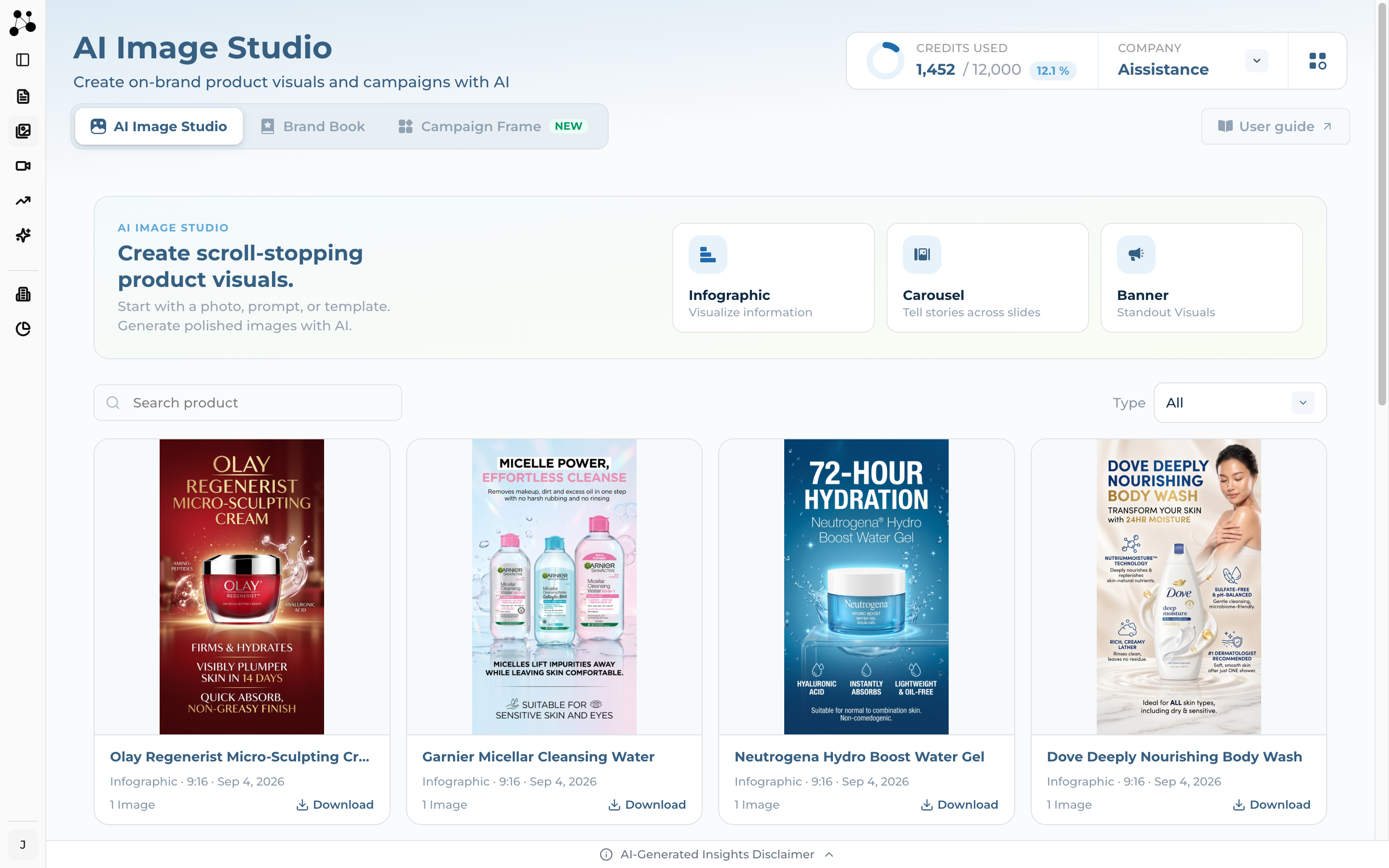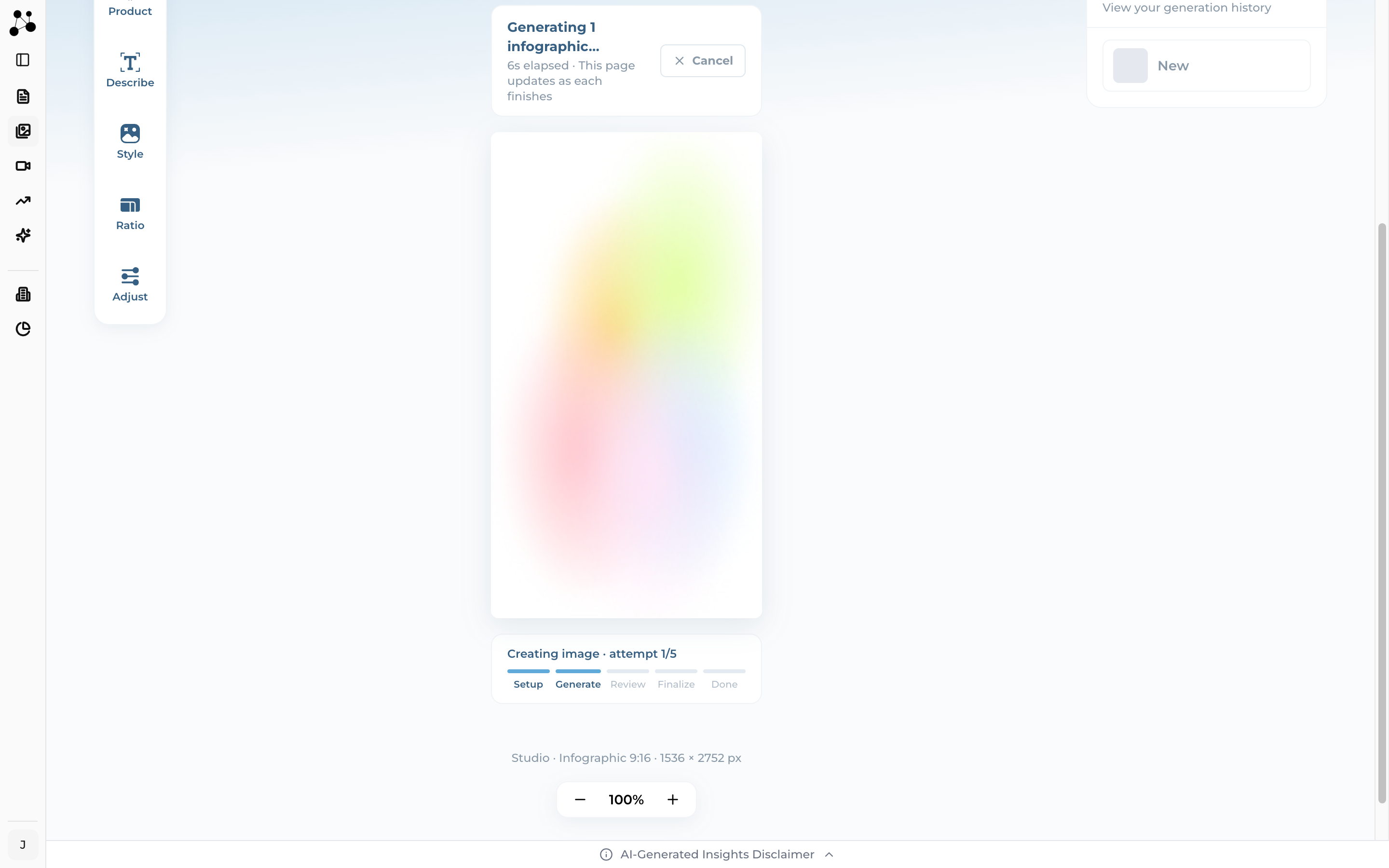
Your product photos in — infographics, carousels and banners out
AI Image Studio composes finished, on-brand visuals from photos you already have. You pick a format, describe the product, choose a look, and the studio generates the image — no photographer, no design tool.
AI Image Studio is in the sidebar. The page it opens carries three tabs — this guide covers the first one. The other two are separate products with guides of their own.
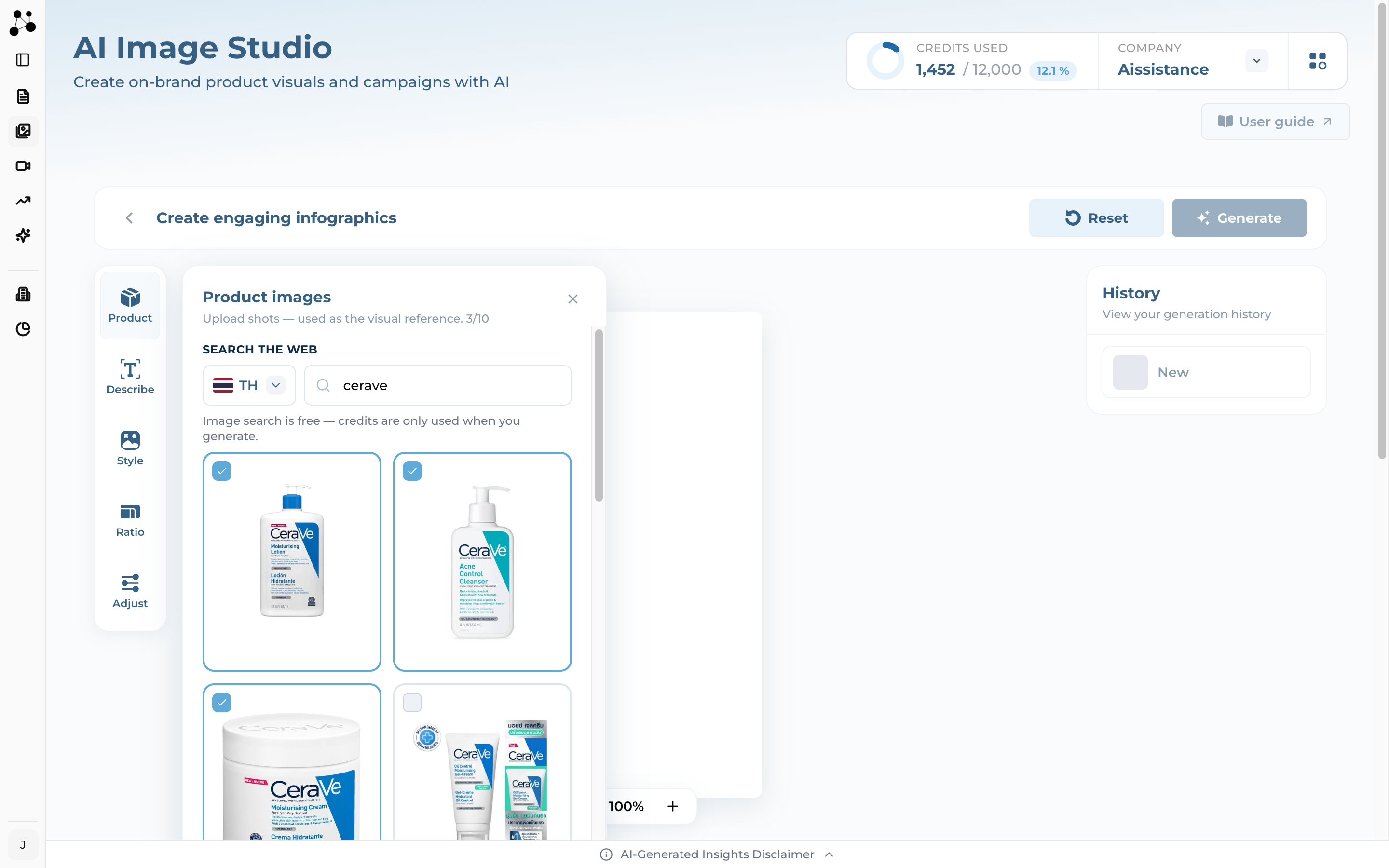
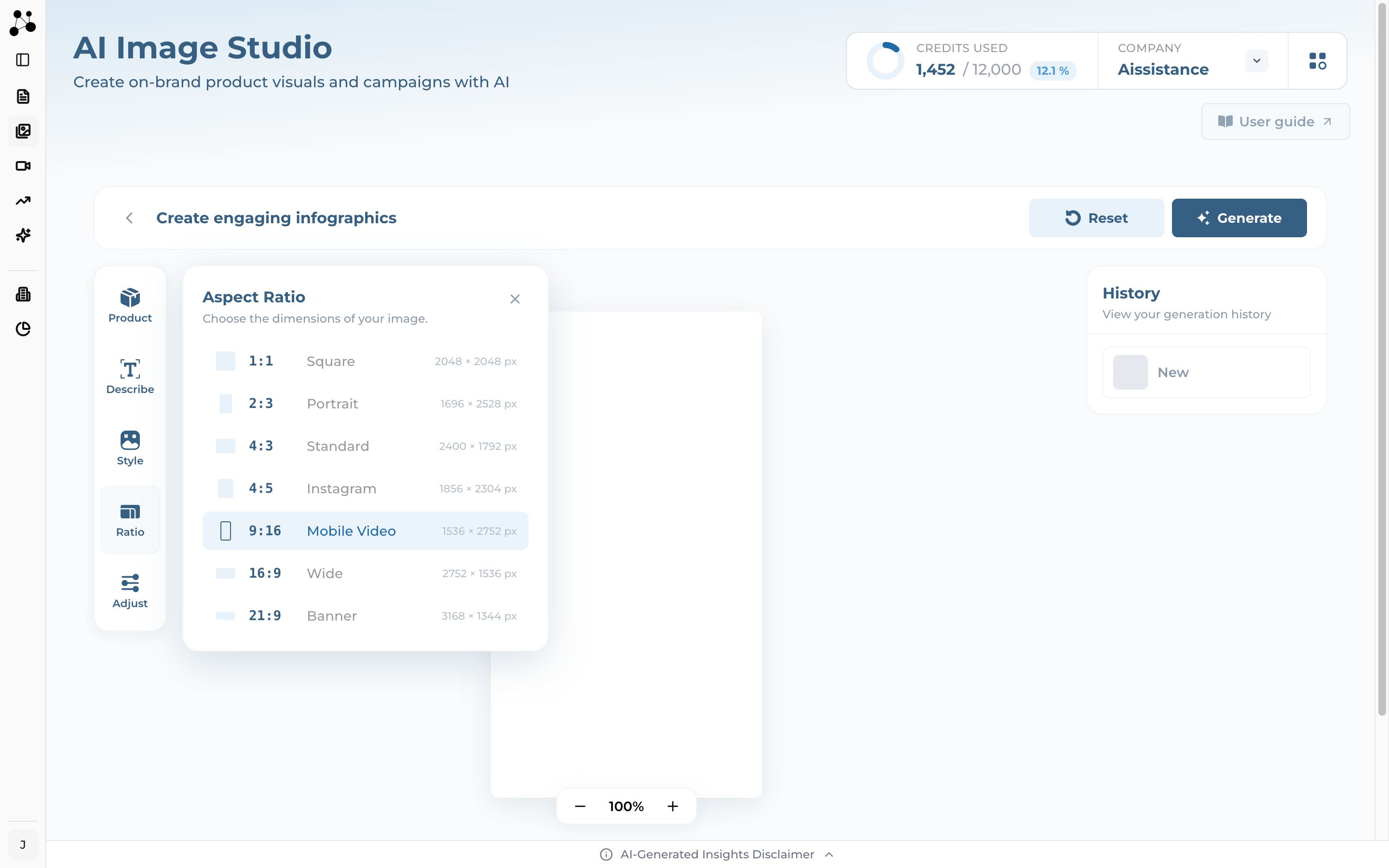
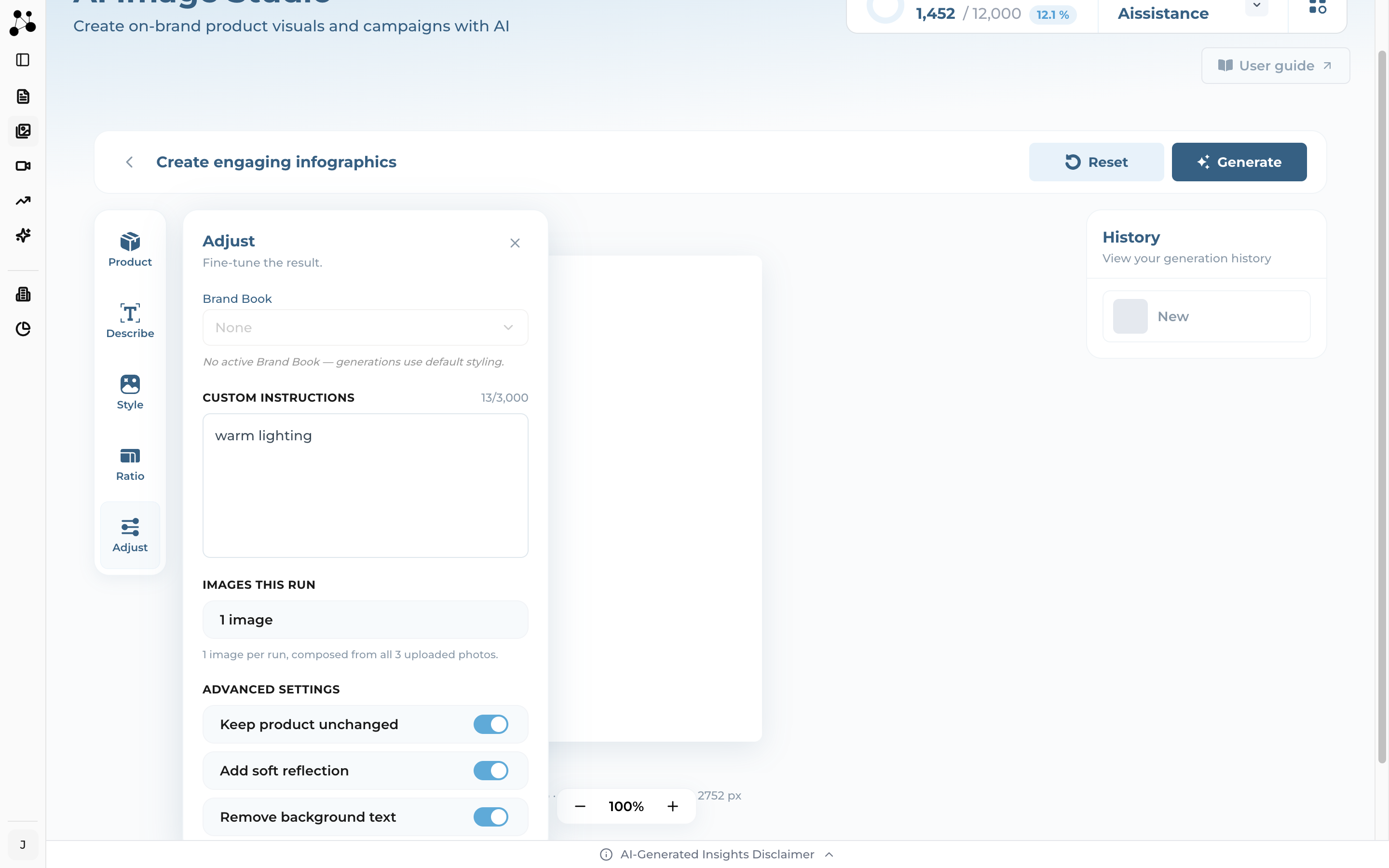
Five tools on the rail, in the order you use them
Image search is free. Credits are only used when you generate.
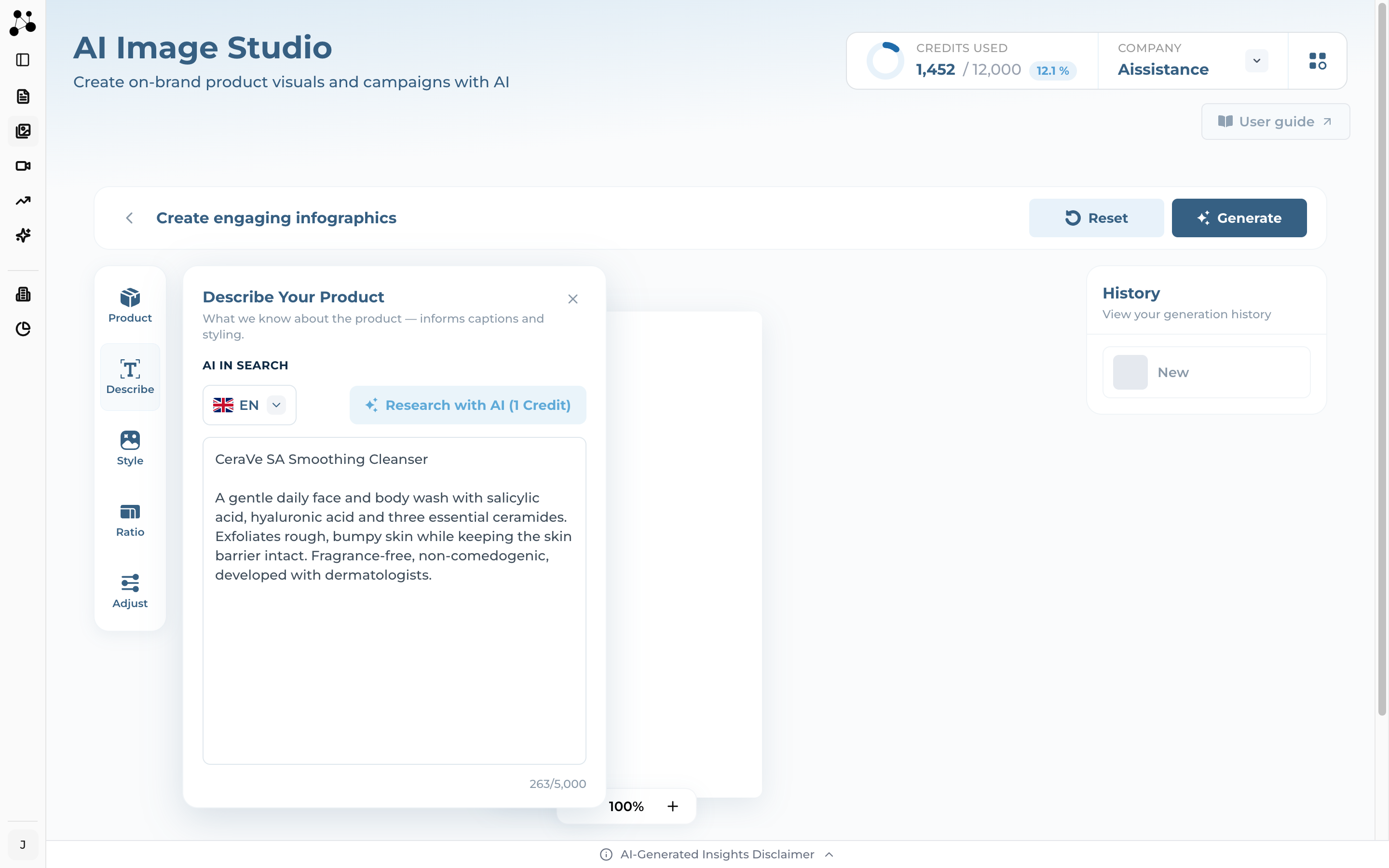
A searched photo and an uploaded photo are treated identically from the moment they land in the panel. Use whichever is quicker.
Research with AI costs 1 credit. Writing the description yourself is free.
Pitfall: the first line becomes this image's name in your gallery. Put the product name on its own line and the description underneath — type one long paragraph and the gallery shows a sentence cut off mid-word.
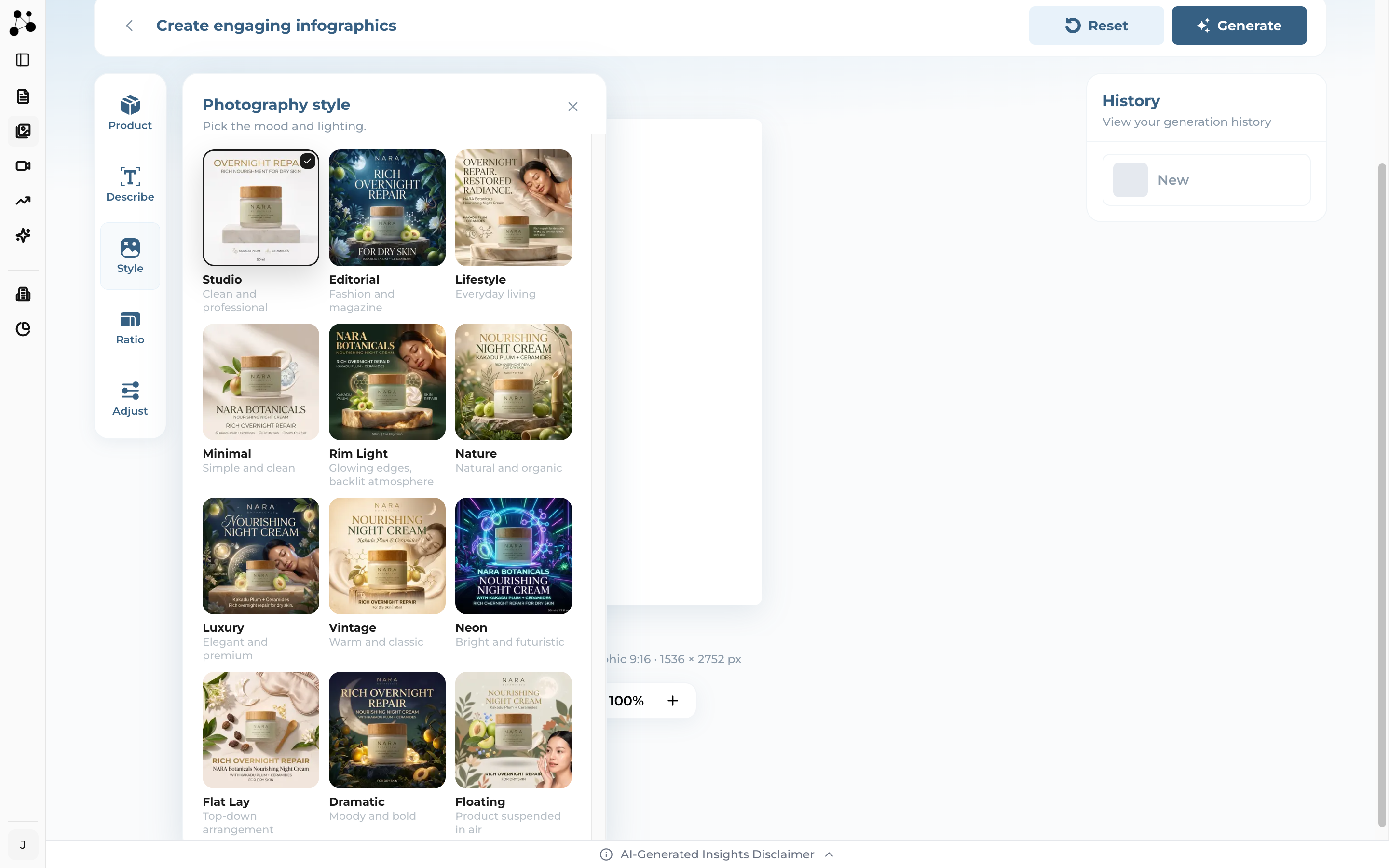
Every format offers the same twelve styles, and the preview tile always shows what that style does for the format you are working in.
One credit per image, and nothing at all before that
Images already generating finish, are charged, and land in your history. Only images that had not started are skipped, and those cost nothing.
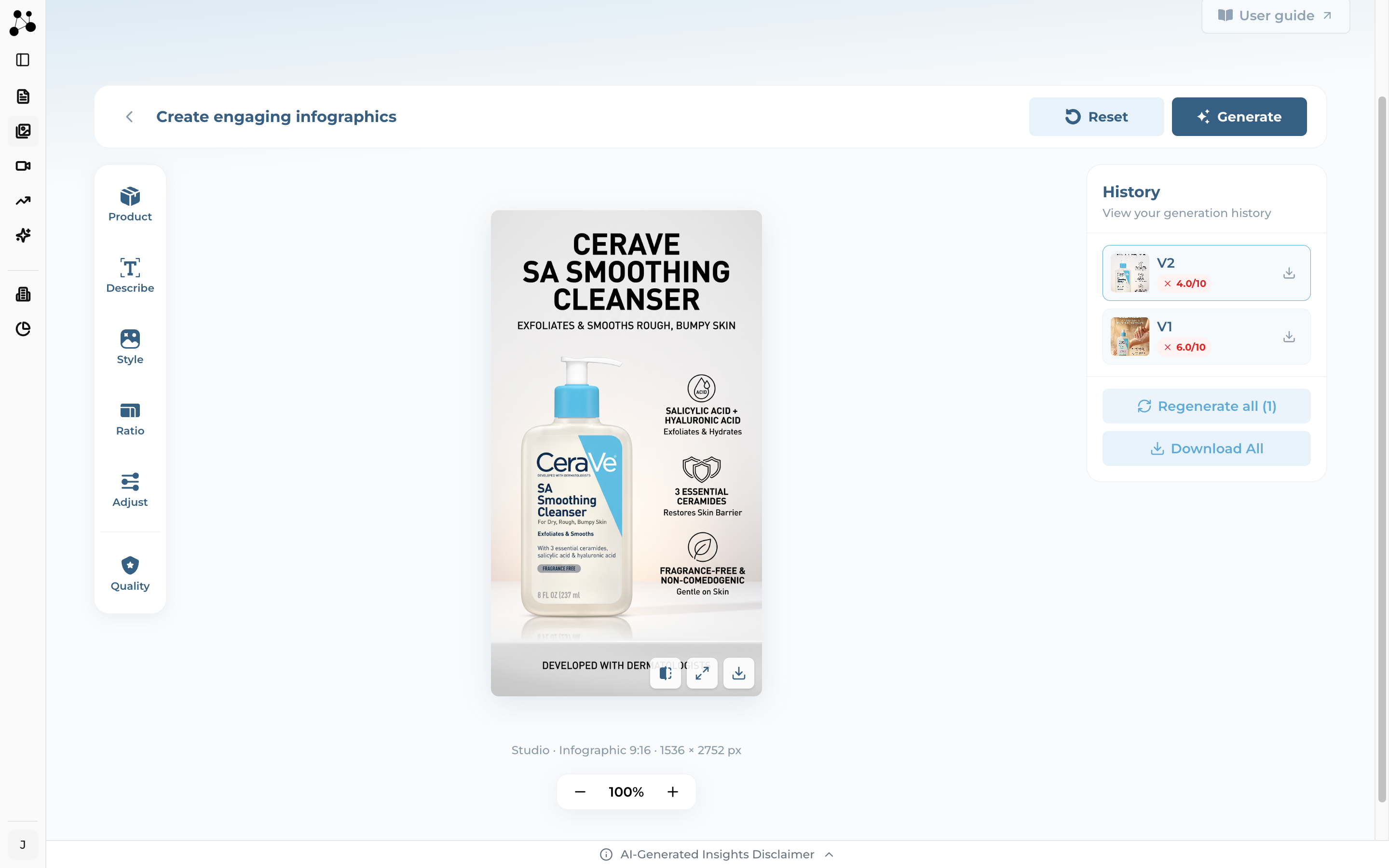
The price is simply the number of images the run returns. Nothing else moves it — there is no resolution tier, no quality setting and no variation count to choose.
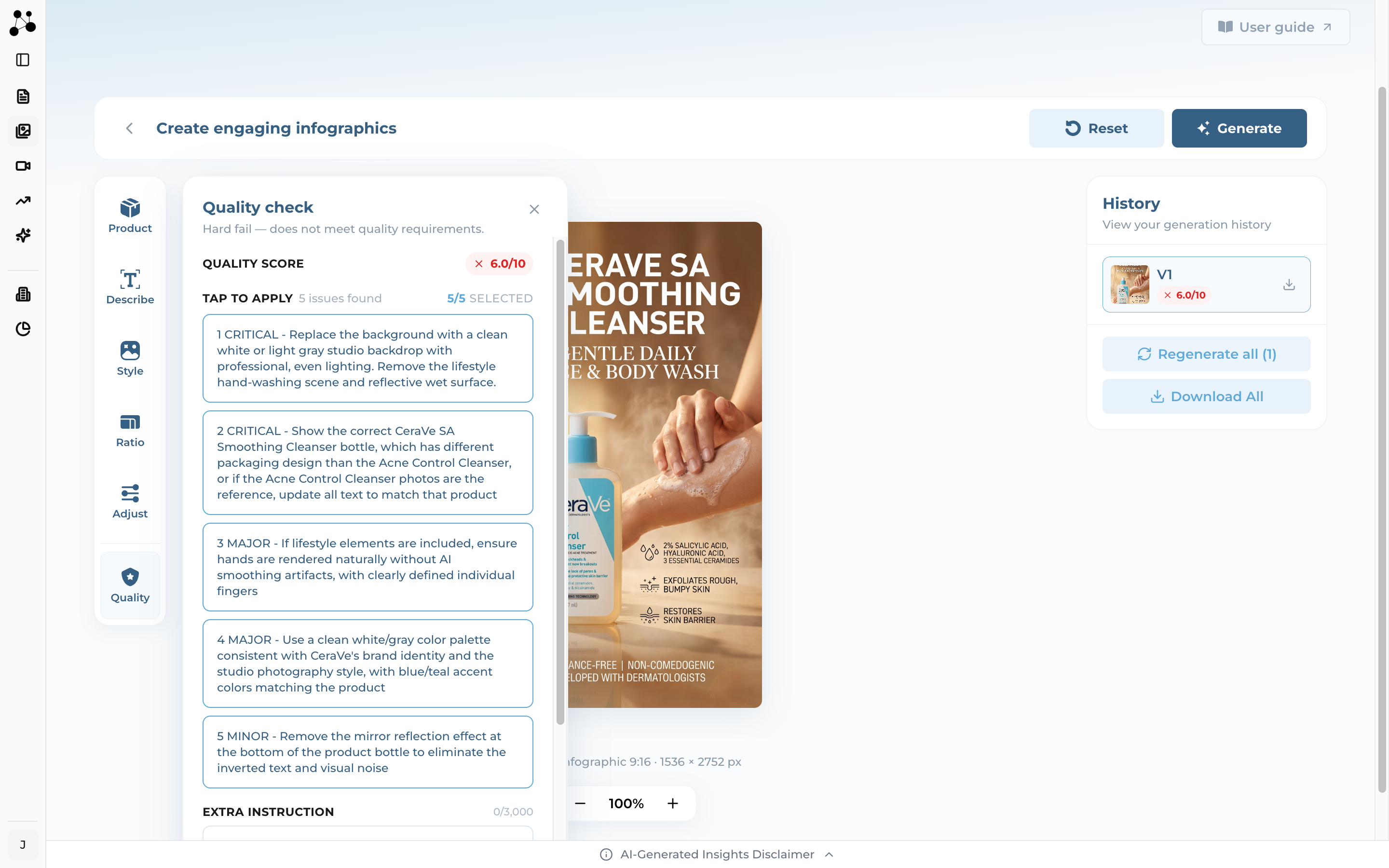
Versions, the quality check, and where your images live
Pitfall: Banner runs are not scored. No Quality tool appears, and there are no corrections to apply — generate again for a different take. Infographic and Carousel are both scored.
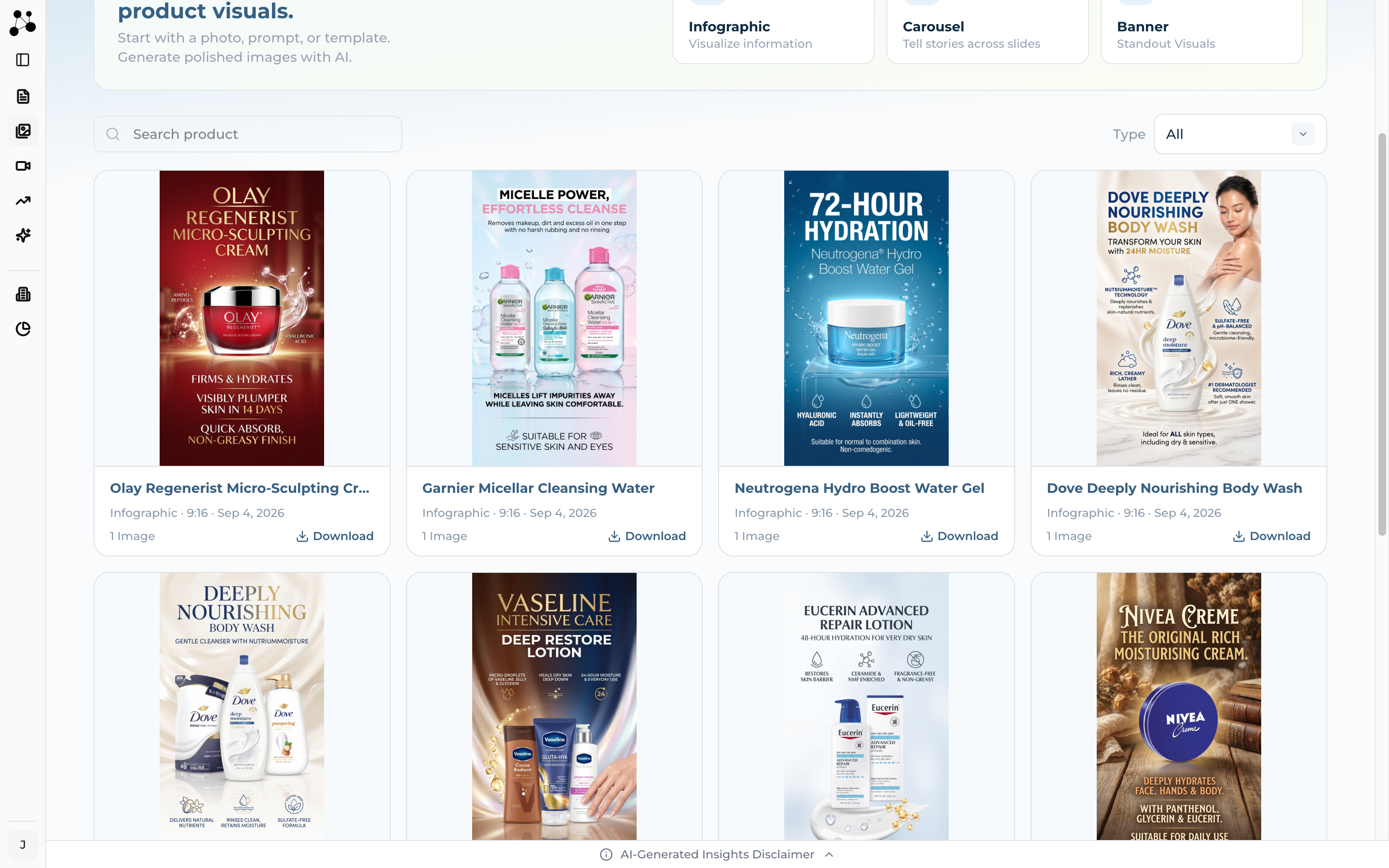
Regenerating never replaces what you already had. Each attempt becomes another version you can compare against and download on its own.
The gallery holds your 30 most recent generations.
The questions that come up first
The questions that come up most.
The studio is explicit about its limits. These are the ones you are most likely to meet, and what to do about each.